ImageTwinFinder combines duplicate detection, junk cleanup, USB/external-drive tools and backup verification in one professional Windows application.
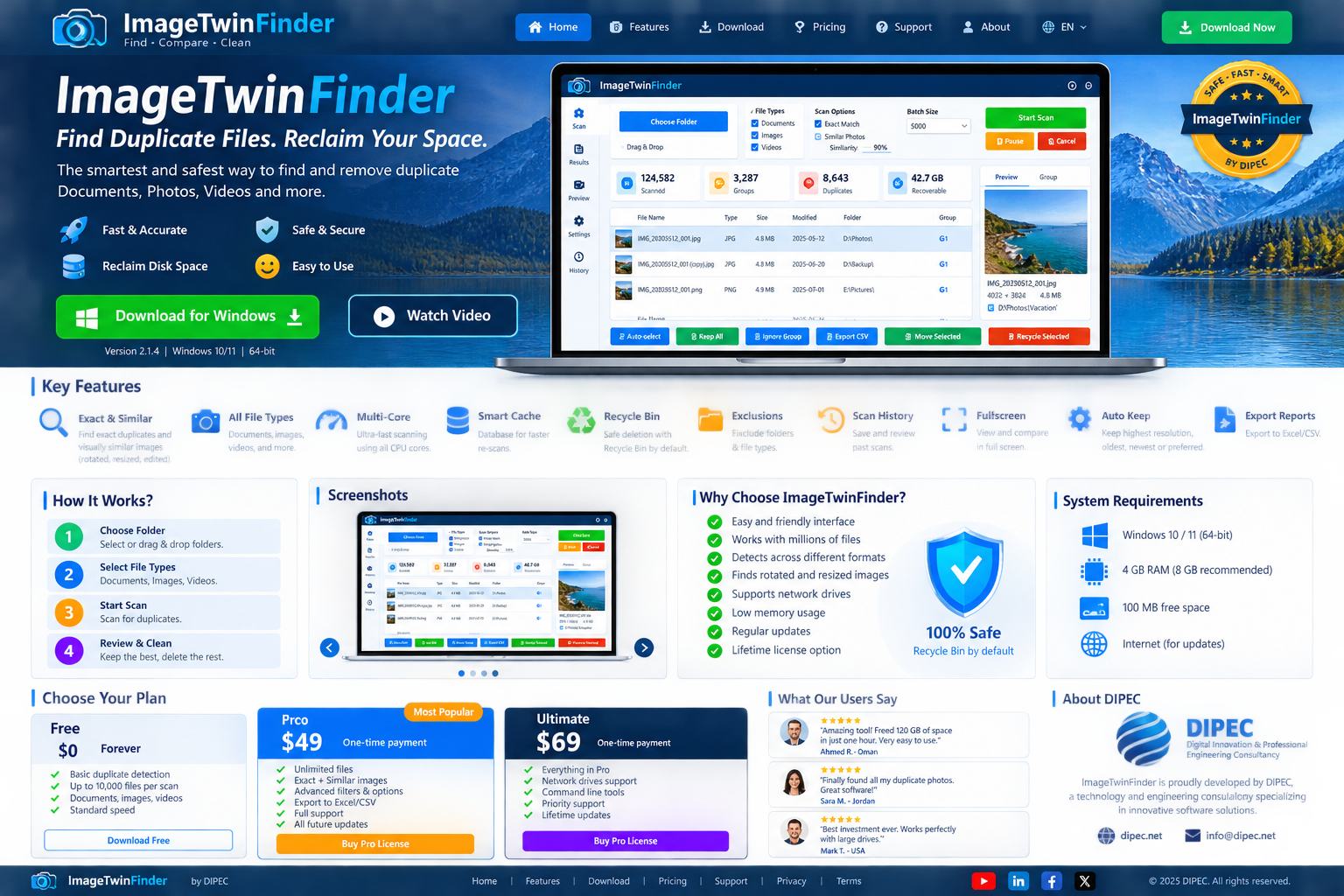
Built for users who manage large local collections, external drives and business archives—and who want to review every action before files are removed.
Compare actual file content rather than relying on names or extensions.
All plansFind duplicate documents across local folders and supported external drives.
All plansScan video collections for exact duplicate content in larger personal libraries.
Pro + BusinessBusiness adds image scanning plus visually similar, resized and rotated-photo detection.
BusinessStream and compare supported files inside ZIP archives without fully extracting them to disk.
BusinessReview temporary files, caches and removable clutter. Locked/live browser files are skipped for safety.
Safety-firstScan removable drives, compare PC-to-USB and USB-to-USB, and detect connected drives.
Advanced in ProCompare a source and backup folder and report identical, missing, changed and extra files without modifying them.
Pro + BusinessChoose 5,000-item increments with plan limits designed for progressively larger collections.
Up to 50,000Reuse fingerprints for unchanged files and retain scan information for faster repeated work.
Pro + BusinessReview groups first, keep the correct copy, then recycle, move or deliberately delete selected files.
Review firstSee duplicate counts and estimated recoverable space before taking cleanup actions.
Advanced reportingImageTwinFinder is evolving into an intelligent storage and cleanup manager with tools for everyday PCs, large personal collections and commercial environments.
The application separates scanning from cleanup so users can inspect results before anything is removed.
Select local folders, external drives or supported archive workflows.
Available file categories are automatically controlled by the active plan.
Inspect duplicate groups, file details, safety information and recoverable space.
Recycle or move selected copies. Permanent deletion remains a deliberate action.
Install from Microsoft Store for trusted delivery and automatic Store-managed updates.
Install from Microsoft Store, evaluate ImageTwinFinder for 30 days, then choose the lifetime plan that matches your file types and scale.
| Feature | Free Trial | Pro $59 | Business $99 |
|---|---|---|---|
| License duration | 30 days | Lifetime | Lifetime |
| Documents | ✓ | ✓ | ✓ |
| Videos | — | ✓ | ✓ |
| Images | — | — | ✓ |
| Similar image detection | — | — | ✓ |
| Batch size limit | 20,000 | 35,000 | 50,000 |
| PC ↔ USB / USB ↔ USB | — | ✓ | ✓ |
| Backup Verification | — | ✓ | ✓ |
| ZIP scanning without full extraction | — | — | ✓ |
| Commercial use | — | — | ✓ |
| Licensed PCs | Evaluation | 1 | Up to 5 |
Install the official Microsoft Store release, start the 30-day Free Trial, then activate Pro or Business when you need larger collections and advanced file types.